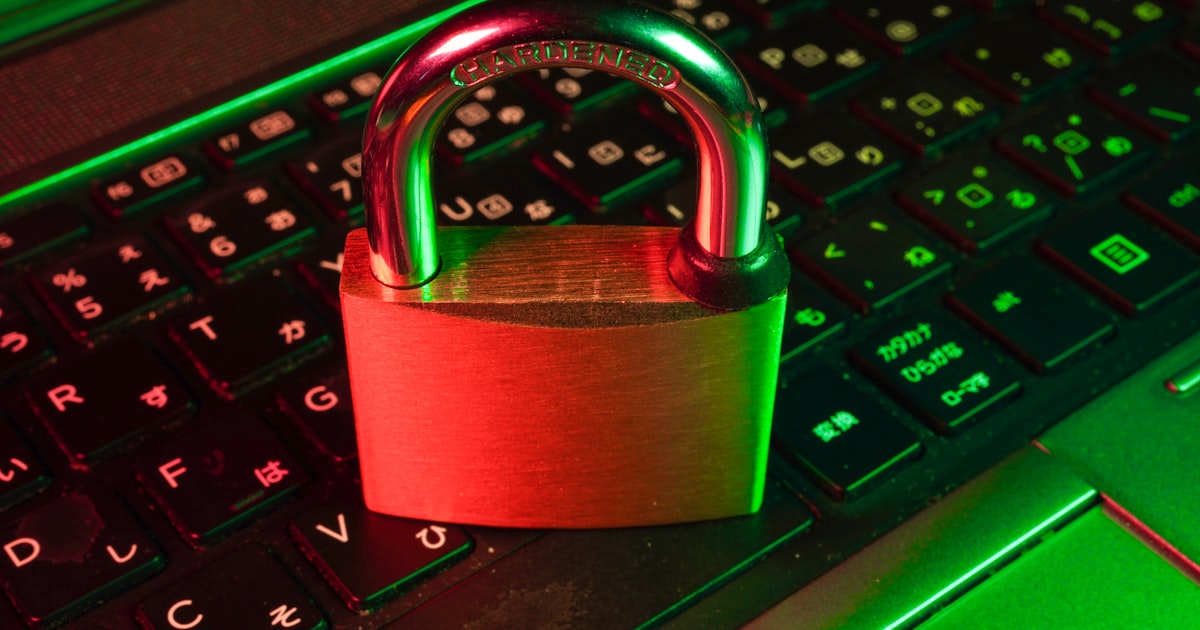
Why Password Security Matters
In today's digital world, your passwords are the keys to your online life. From banking to social media, email to work accounts, weak passwords can leave you vulnerable to hackers, identity theft, and data breaches. Yet, many people still use simple, easy-to-guess passwords like "password123" or "qwerty."
The Anatomy of a Strong Password
A strong password should have the following characteristics:
- Length: At least 12-16 characters (longer is better)
- Complexity: Mix of uppercase and lowercase letters, numbers, and special characters
- Uniqueness: Different for every account
- Unpredictability: Avoid dictionary words, personal information, or common patterns
Common Password Mistakes to Avoid
Here are the most common password mistakes that put you at risk:
- Reusing passwords across multiple accounts - If one account is compromised, all accounts using that password are at risk
- Using personal information - Birthdays, names, addresses, and pet names are easy to guess or find on social media
- Simple patterns - "123456," "qwerty," or "password" are among the most commonly hacked passwords
- Sharing passwords - Never share your passwords via email, text, or messaging apps
- Writing passwords down - Sticky notes on your monitor or in your desk drawer are security risks
Best Practices for Password Management
1. Use a Password Manager
Password managers like 1Password, Bitwarden, or LastPass can generate and store complex, unique passwords for all your accounts. You only need to remember one master password.
2. Enable Two-Factor Authentication (2FA)
2FA adds an extra layer of security by requiring a second form of verification (like a code sent to your phone) in addition to your password. Even if someone steals your password, they can't access your account without the second factor.
3. Create Passphrases
Instead of a single word, use a memorable phrase with random words, numbers, and symbols. For example: "Coffee!Sunrise@Mountain#42" is much stronger than "Coffee123."
4. Change Passwords After a Breach
If you receive notification that a service you use has been breached, change your password immediately. Use services like Have I Been Pwned to check if your email has been involved in known data breaches.
5. Regular Password Updates
While you don't need to change passwords every month, it's good practice to update passwords for critical accounts (banking, email) every 6-12 months.
Quick Password Security Checklist
- ✅ Use passwords with at least 12 characters
- ✅ Include uppercase, lowercase, numbers, and symbols
- ✅ Use a unique password for each account
- ✅ Enable two-factor authentication wherever possible
- ✅ Use a reputable password manager
- ✅ Never share passwords via email or text
- ✅ Check for data breaches regularly
- ✅ Update passwords after security incidents
Conclusion
Strong password security is one of the simplest yet most effective ways to protect yourself online. By following these best practices and using tools like password managers and two-factor authentication, you can significantly reduce your risk of being hacked. Remember: your password is your first line of defense—make it count!